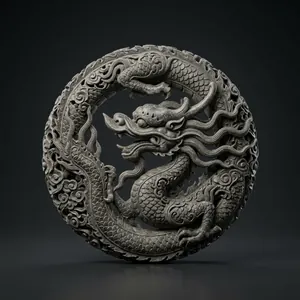
Made with F3D AI«a coiled Lý-dynasty stone dragon, finely carved»Made with F3D AI«a stone nghê guardian at a Vietnamese pagoda gate, antique style»Made with F3D AI«a Chu Đậu blue-glazed ceramic vase with raised motifs»
0free models
0downloads
0likes
1members
What is new in F3D v2
The new F3D AI Studio
Build a model from 2 to 4 photos taken from different angles.
Make a variant, change the surface texture or cut the face count on the model just built.
See the price, and whether the credits are enough, before pressing Create.
Follow the progress live while the model is being built.
Download in several formats: GLB, STL, OBJ, 3MF and more.
F3D uses essential cookies so the site works. Accept all also turns on marketing cookies for traffic and ad measurement; Essential only does not. You can change this in Cookie settings. Read the cookie policy


 Made with F3D AI
 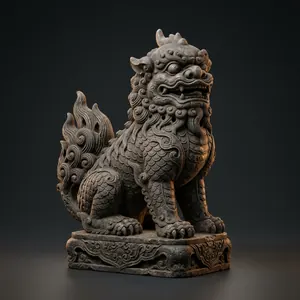 Made with F3D AI
 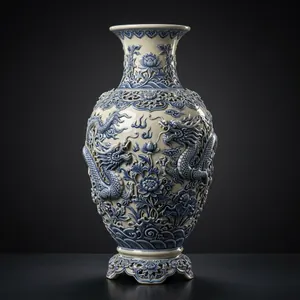 Made with F3D AI